Project documentation: How to build & maintain docs in a connected workspace
Project documentation should make work clearer, but scattering it across tools often has the opposite effect—decisions go missing in chat threads, updates sit in forgotten files, and new team members struggle to understand what’s happening or why. As a result, progress becomes harder to track and every handoff takes longer than it should.
But when documentation lives in a connected workspace instead, it serves a real purpose. Instead of being something that teams only update because they have to, it becomes the knowledge hub that keeps cross-functional teams aligned and preserves context so projects can move forward with clarity and confidence.
Here’s how you can create project documentation that reduces friction, improves alignment, and helps projects move faster.
Why is project documentation essential for cross-functional alignment?
Good project documentation acts as a living system of record that evolves as the project does. It also captures decisions, context, and progress in one place so everyone stays aligned from start to finish.
But too often, this alignment breaks down because teams rely on static files that are scattered across multiple tools. And when there’s no single source of truth, they waste time hunting for answers. In fact, Asana’s 2024 State of Work Innovation report shows that employees spend roughly nine hours each week searching for information to do their jobs.
The problem only becomes worse when departments can’t easily collaborate—Project.co’s 2026 communication survey found that 53% of employees have lost time due to poor communication processes. Together, these inefficiencies add up: teams lose hours each week hunting for information and recovering from miscommunication, which slows decisions, weakens alignment, and drags down productivity
A customizable, unified workspace solves these challenges and maintains alignment by helping you with the following tasks:
Keeping decisions, docs, and deliverables in one place
Sharing real-time updates and project status across departments
Tracking dependencies, risks, and milestones without switching tools
Preserving context so new team members and stakeholders can get up to speed quickly
What types of project documentation are most important for product teams?
While every project is different, product teams generally use this core set of documents to move from an initial idea to a finished product:
Initiation documents
These documents define why a new project exists and what success looks like. They also create a shared starting point by capturing these items:
Business case: The purpose and value of the work
Project objectives: The specific goals you aim to achieve
Project scope: The boundaries of what the team will (and won’t) do
Success criteria: The metrics that prove how well the project worked
Key stakeholders: The people who are involved and invested in the outcome
Using a structured project charter template keeps these decisions visible. That way, instead of getting buried in folders or email threads, you can connect your foundational goals to day-to-day planning.
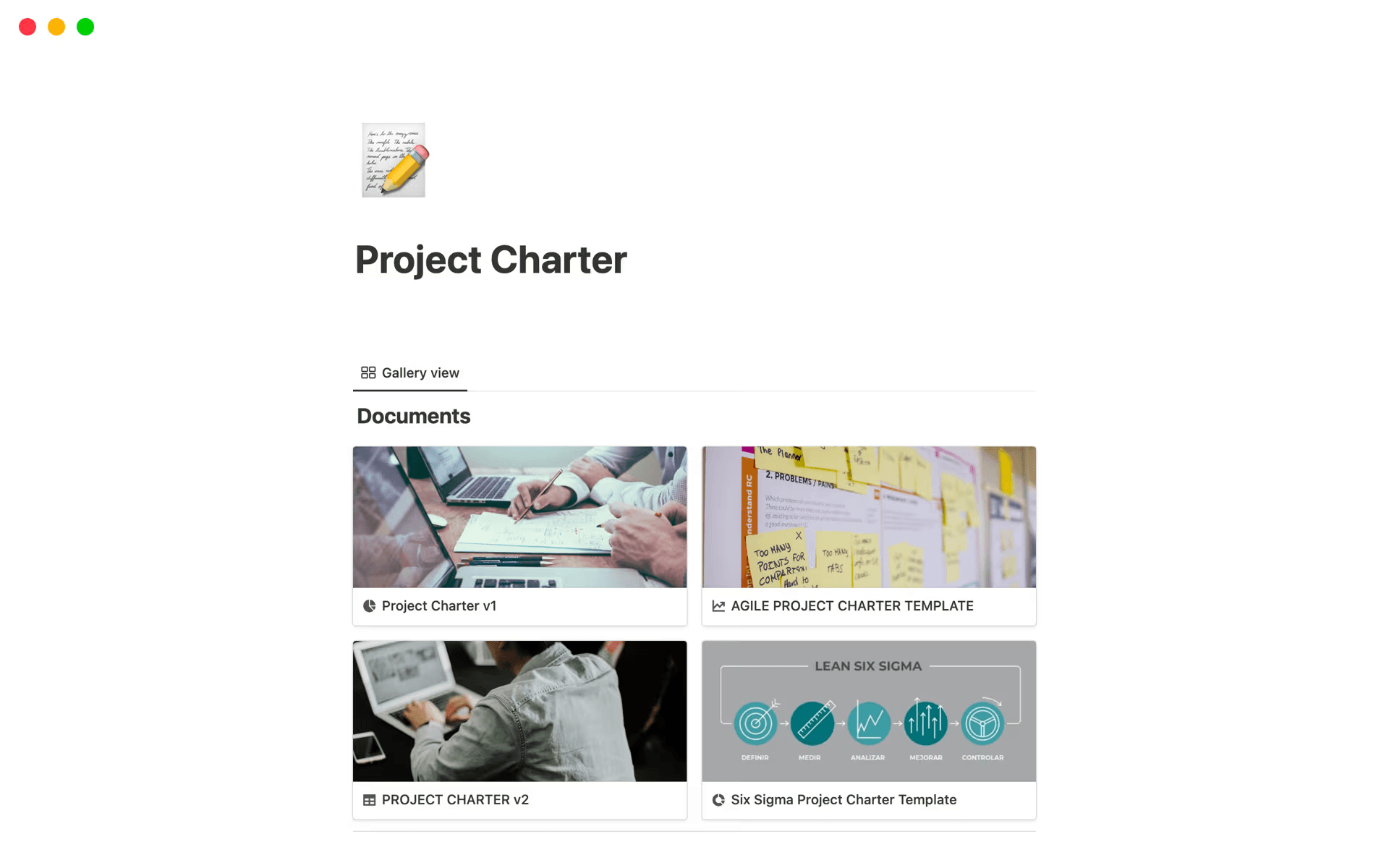
Notion’s project charter template, showing a gallery view of various charter templates (Source)
Planning documents
During the planning phase, teams often translate high-level goals into executable steps, or planning documentation, to provide the roadmap for a successful project. To this end, it covers the following:
Work breakdown structure: A task hierarchy that’s necessary to complete the project
Project timeline and schedule: The project’s dates, deadlines, and progress milestones
Project budget: The project’s allocated financial resources
Roles and responsibilities: A clear breakdown of who owns each task
Using a project client portal template ensures that plans stay accessible to everyone. It also gives you a place to gather requirements, coordinate communication, and keep resources aligned with proposed workflows.
Execution documents
Once the work begins, documentation should be about tracking project progress rather than planning project goals. To this end, execution documents like status reports, meeting notes, and change requests ensure that everyone works from the same version of events so nothing slips through the cracks.
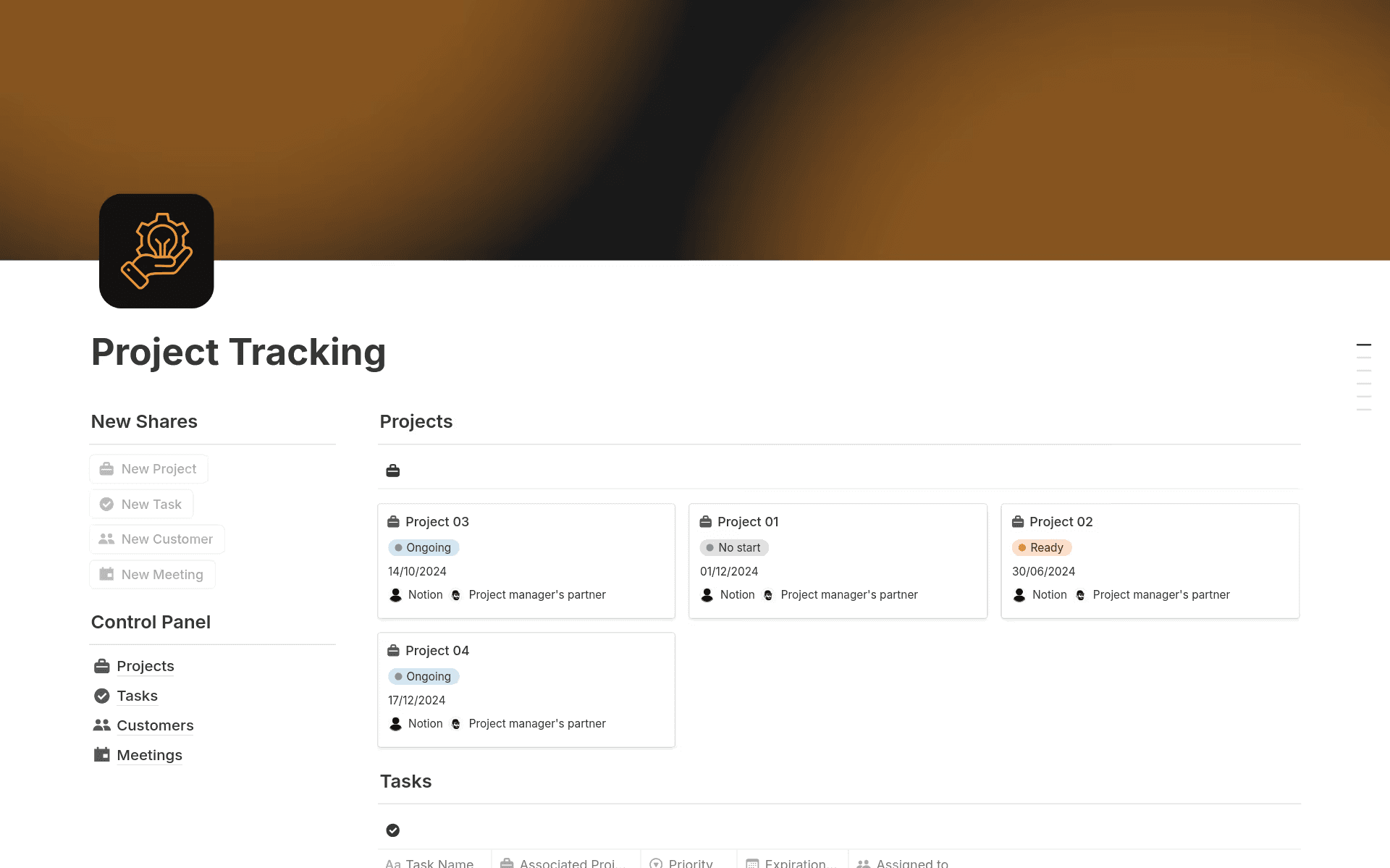
Notion’s project tracker template, which shows project cards and a control panel for tasks and meeting documents (Source)
Having a connected project tracking workspace gives you a hub where everyone can update project statuses in real time. When feedback, discussions, and deliverables are in one place and connected to the work, it becomes easier to trace decisions and actions.
Monitoring and control documents
As work progresses, monitoring and control documents provide a clear way to spot risks and resolve problems. Risk registers, issue logs, and quality plans are also essential for tracking variables, managing dependencies, and protecting project deliverables before issues escalate.
Keeping this information in a unified project portal centralizes updates for stakeholders and clients and keeps risks, decisions, and progress visible in real time. Using AI to summarize changes to risks or issues also helps you solve problems faster—without searching through endless documents.
Closing documents
Closing documentation helps teams wrap up work and carry insights into future projects. That’s because these documents help teams capture the lessons you’ve learned, finalize reports, and prepare handover materials so stakeholders and end users understand what you delivered, what changed, and what comes next.
Building an archive or project history area directly into your workspace can give you a dedicated home for closing documentation. Notion’s PARA OS template, for instance, includes a built-in archive section that makes it easy to store these records alongside the rest of a project so you can look back, pull insights, and apply what you learned to future work.
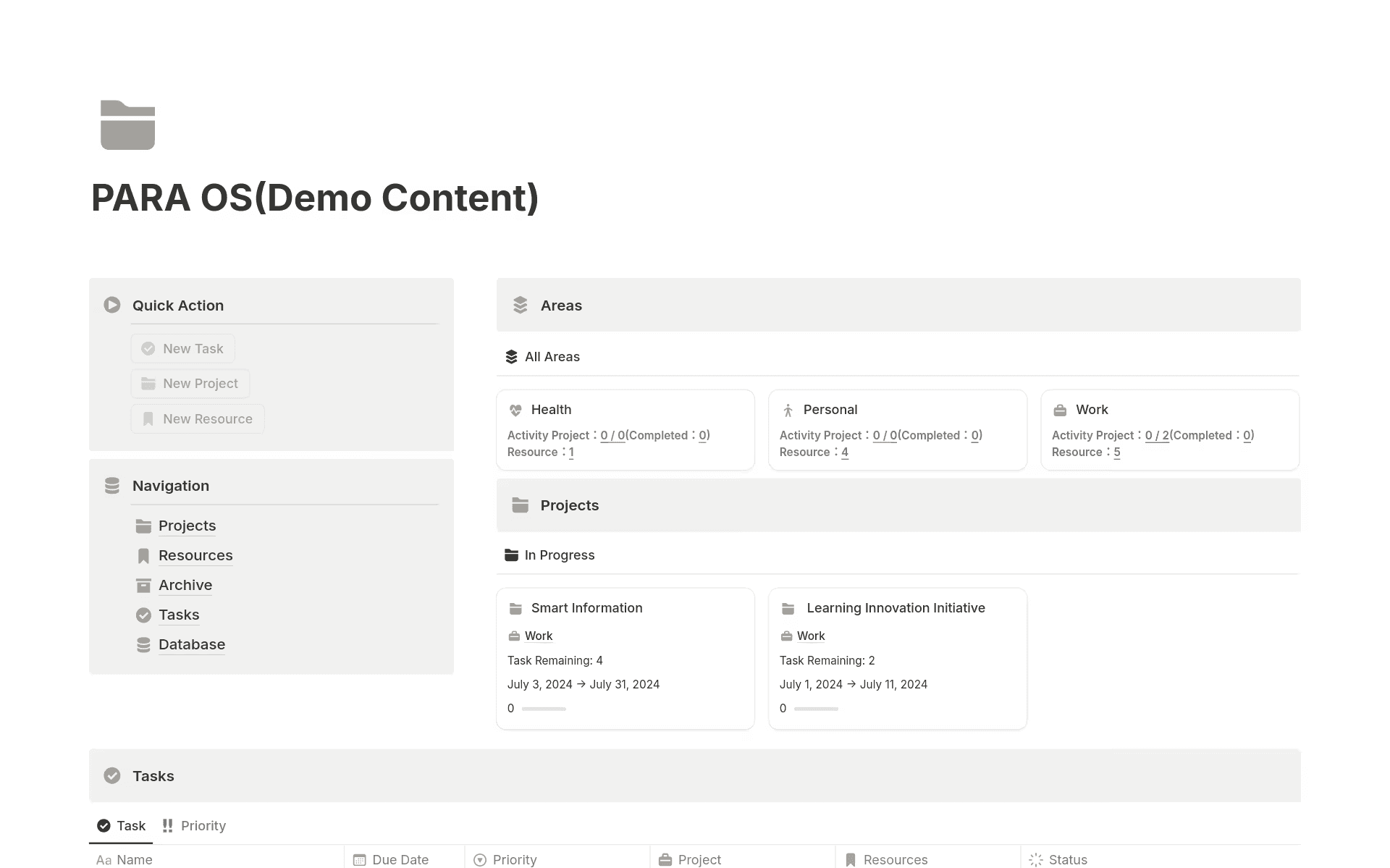
Notion’s PARA OS template, showing sections for projects, resources, archives, tasks, and a database (Source)
How do you create and maintain effective project documentation?
A strong project documentation process provides a system that captures information naturally as work moves forward. That way, documentation stays accurate without becoming a separate task.
Here are a few tips to get you started here:
Document work where it happens: Capture decisions, meeting notes, and updates inside the same project management hub that your team already uses. Moving documentation into this workflow prevents teams from duplicating information or chasing updates.
Use structured templates and consistent formats: Standardize templates for status updates, planning docs, and reports so it’s easier for team members to contribute and for stakeholders to find what they need. This consistency also supports clearer version control and faster onboarding.
Update in real time: Record changes as they happen to keep project progress, risks, and deliverables accurate. This eliminates the scramble to compile last-minute reports.
Implement AI to reduce manual work: Use tools like Notion AI to summarize meetings, record decisions, and surface relevant context instantly. AI automation speeds up this documentation so you can keep work current and find what you need with less effort.
What are the most common project documentation challenges?
Project documentation breaks down when information lives in disconnected tools and updates require manual effort. Consolidating documentation where work already happens instead ensures that context and tasks stay side-by-side.
Here are some other common challenges for teams that want to document their projects:
Manual reporting leads to outdated information
Many teams rely on manual updates to maintain their project documentation. But when they track project status in a separate place from where the work happens, reports can quickly become outdated. That’s because decisions you make in meetings might never make it into the official record, so teams can’t easily see how a project is going, what the risks are, or what’s changed.
The impact is predictable—stakeholders base decisions on incomplete information and teams waste time reconciling updates or rebuilding context.
Building documentation into your workflow and automating routine updates instead reduces this friction. When you capture meetings automatically, update status fields in real time, and link tasks and deliverables to reports, your documentation reflects what’s really happening. That way, you won’t need to create manual reports that rely on old data and outdated assumptions.
Each team adds another tool
Fragmented tools and software overload make it difficult to maintain consistent documentation. According to Freshworks’ 2025 Global Cost of Complexity report, teams use an average of 15 different software tools and four communication channels each day. Switching between systems slows communication, weakens alignment, and prevents cross-functional teams from using a single source of truth.
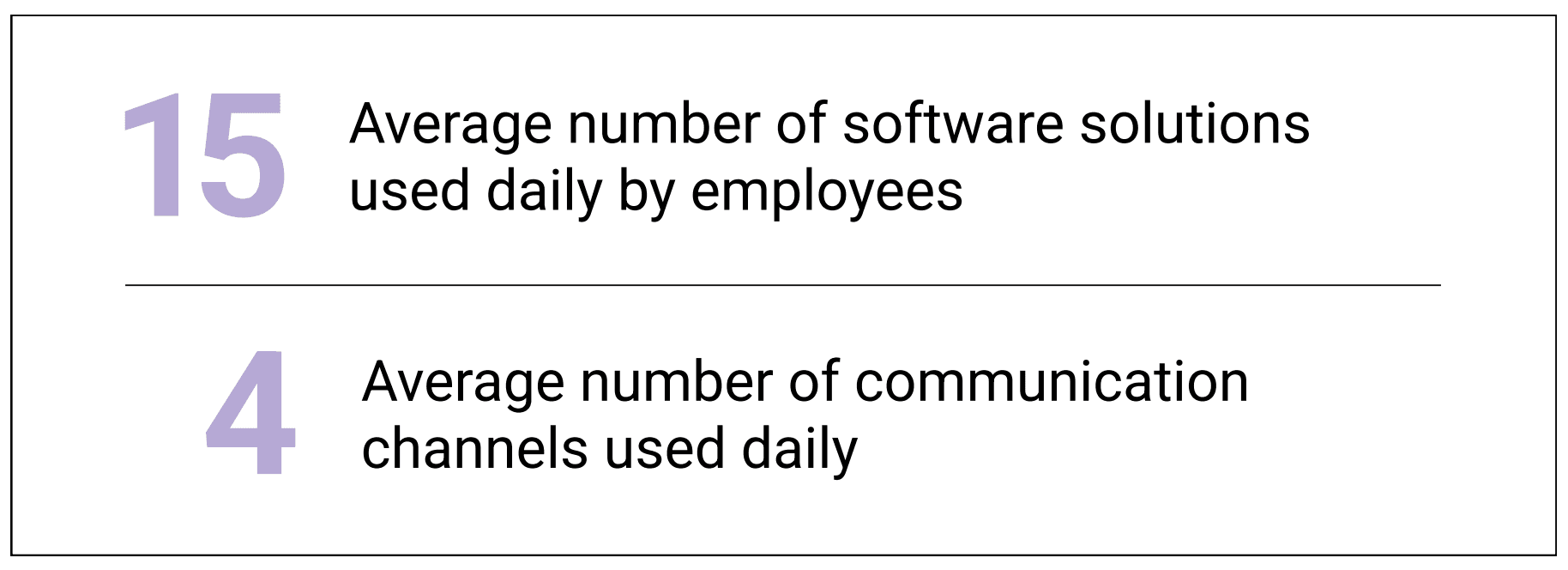
Statistics that show the number of software solutions and communication channels that employees use each day (Source)
Consolidating documentation, communication, and project management into one workspace reduces the need to switch between tools, keeps context attached to the work, and helps teams stay in sync.
Poor tooling increases complexity
Even when you invest in team collaboration tools, those tools don’t always simplify work. In fact, Asana’s 2024 State of Work Innovation report also found that 64% of workers say their organization’s collaboration platforms actually make their jobs harder. When systems don’t connect or are too complicated to use, teams duplicate information, rebuild context, and lose visibility across the project lifecycle.
A user-friendly connected workspace instead brings documentation, discussions, and planning together. Reducing tool complexity also helps you ensure that everyone operates using a clear, shared view of progress from start to finish.
Create connected project documentation with Notion AI
Tying project documentation directly to work streamlines decision-making and helps maintain alignment. Connecting plans, discussions, and deliverables also ensures that context doesn’t go missing as work moves forward.
Notion’s connected workspace makes capturing decisions and tracking progress simple by turning documentation into a natural byproduct of work rather than a separate task. This provides the visibility that teams need to reduce coordination overhead while keeping projects on track.
Ready to build project documentation that stays connected to work? Try Notion AI today to learn how it can help you capture decisions, track progress, and keep everyone aligned.