版本 /
Notion 2.14, now with simple tables 🏓
Simple tables
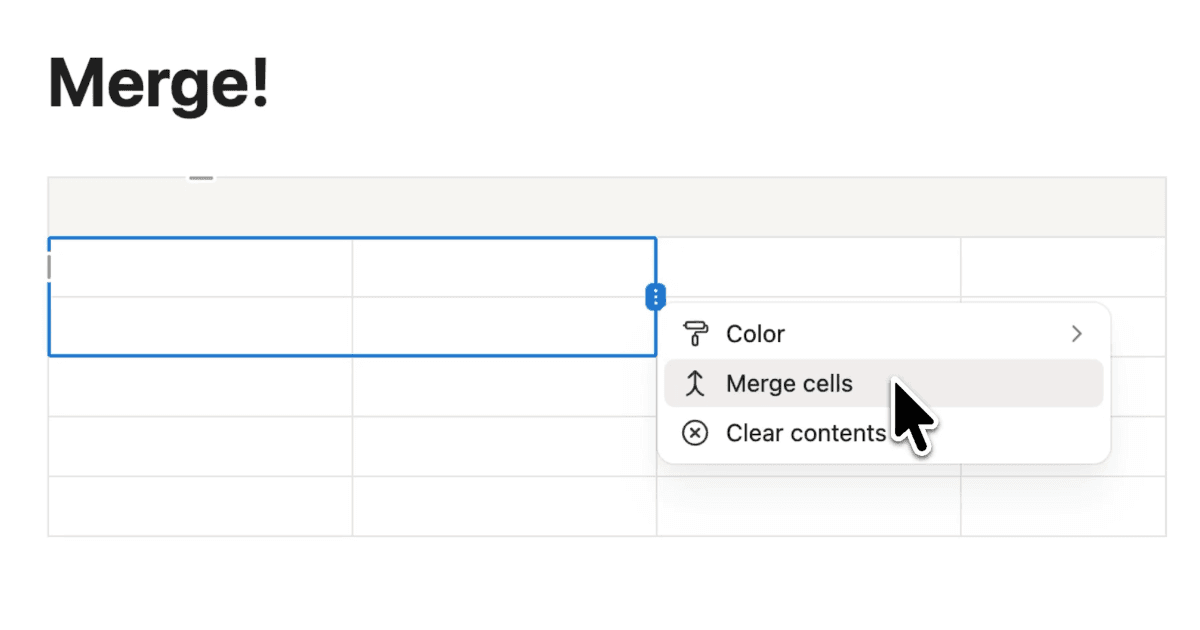
To add a simple table to your page, just type /table. Quickly add more rows & columns by dragging the bottom right corner, and toggle your header row and header column by opening the Options dropdown menu.
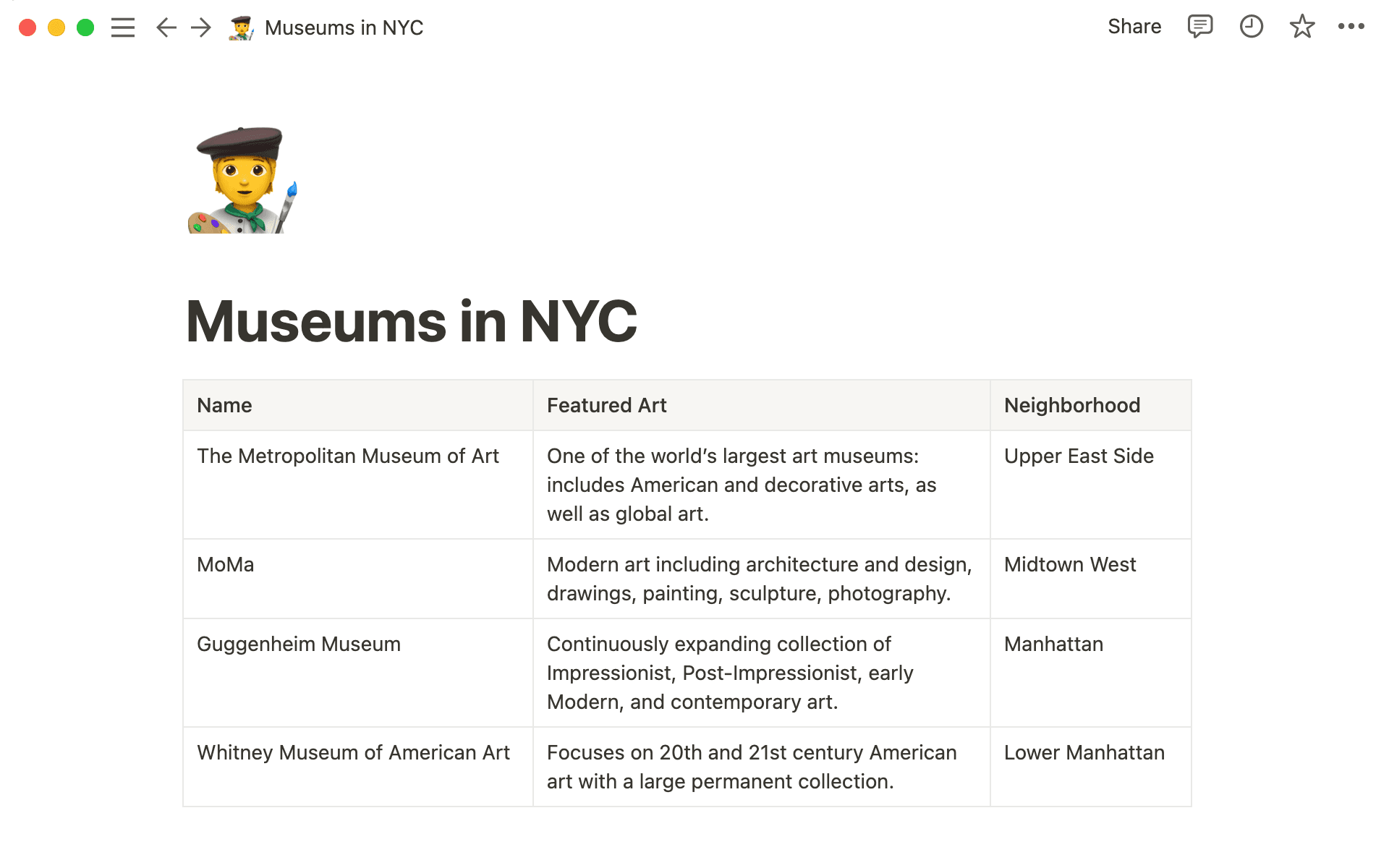
Learn more by reading our guide to simple table best practices.
Better comments
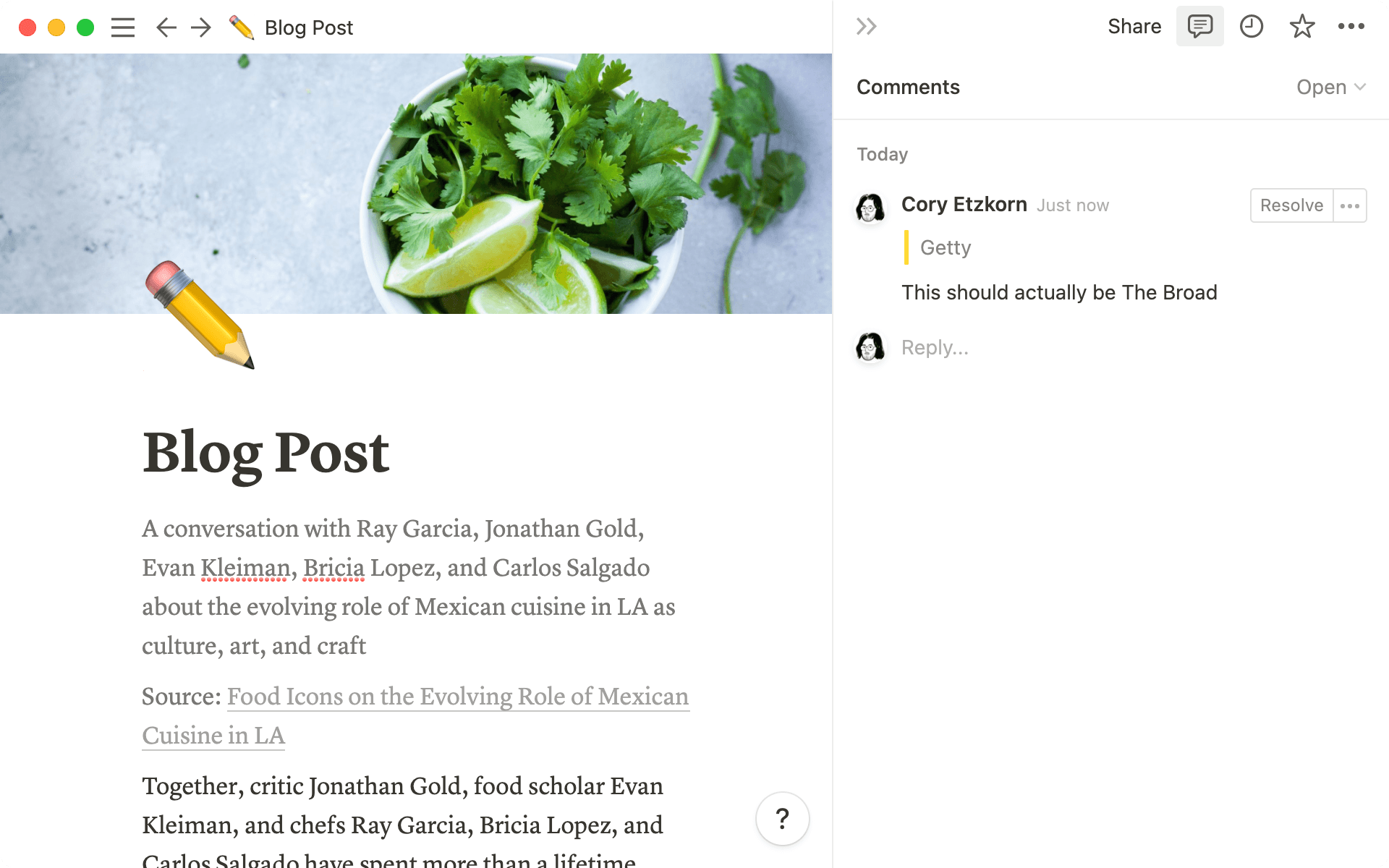
Request feedback from stakeholders, brainstorm quarterly goals, and push projects forward by leaving more visible, easily discoverable comments on your notes & docs.
Template gallery
Your workspace holds endless possibilities — and Notion's global community can help you unlock them. So we rebuilt our Template Gallery from the ground up to showcase the very best dashboards, setups & workflows built by our users around the world. Duplicate, modify, and use any of them today!

Check out the new gallery and duplicate a template at notion.com/templates.
Bug fixes & improvements
For new API features & improvements, go to developers.notion.com/changelog
The slash command dropdown menu now returns more relevant results (i.e.
/tabledisplays only four options in the dropdown menu instead of 20+ options)Fixed a bug that prevented the close, minimize & full screen buttons from displaying properly in the Mac App
Fixed a bug that caused the Mac App to launch as a blank screen for some users
Fixed a bug that caused some users to experience an infinite spinner when logging in with SSO