
Self-healing FAQ knowledge Q&A agent
Answers team questions in Slack from a living FAQ, then updates itself as new answers are verified.- Updates database properties
- Responds to Slack mentions
- Monitors for changes or triggers
About
Overview
This agent watches a Slack channel, answers questions by pulling from a structured FAQ knowledge base, and automatically updates that knowledge base whenever team members post verified answers — so the FAQ gets smarter with every conversation. The FAQ is fully contained within the Custom Agent's instructions so you don't have to create your own FAQ database. Used internally at NotionHQ!
Who it's for
Teams that field repetitive questions in Slack and want a low-maintenance, self-improving knowledge base without manual upkeep.
What's included
- Slack message trigger:
Fires whenever a new message is posted in a connected Slack channel - Emoji reaction trigger:
Tracks 👍 and 👎 reactions on agent replies to score answer quality - Notion mention trigger:
Accepts direct commands via @mention to update or manage FAQ entries - FAQ knowledge base:
A structured database with fields for Question, Answer, Category, Slack thread links, usage count, upvote score, status, and date added - Answer lookup:
Searches the knowledge base and only responds when a "Live" entry matches the question - Auto-learning:
Detects new human-verified answers in threads and creates or updates FAQ entries automatically - Feedback scoring:
Updates an upvote score on each entry when users react with 👍 or 👎 - Silent confirmations:
Uses emoji reactions (🧠, 👀) instead of noisy thread replies when updating the knowledge base - Correction handling:
Accepts corrections and outdated-link fixes, then updates the relevant entry and flags it for review if needed
How to use it
- Add the Slack triggers:
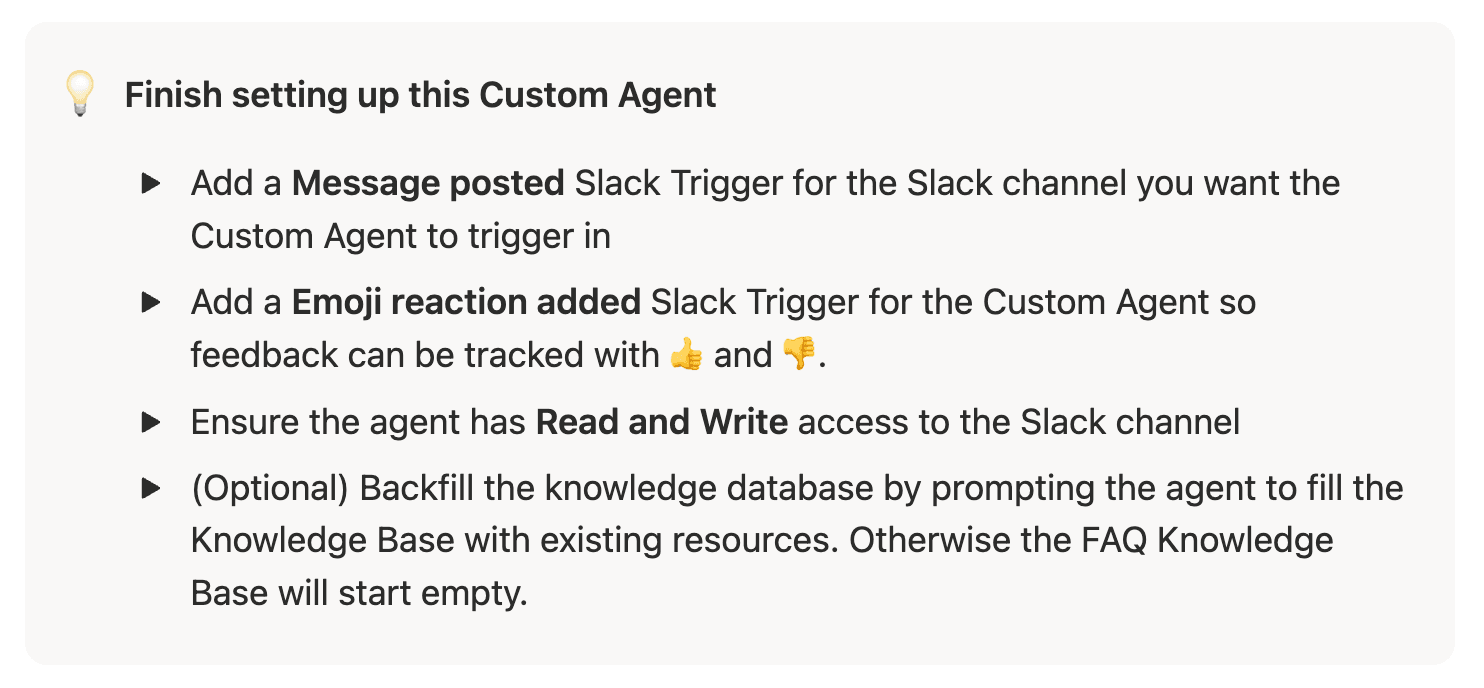
Create a "Message posted" trigger for the Slack channel you want monitored, and a separate "Emoji reaction added" trigger so feedback can be tracked. - Grant channel access:
Make sure the agent has Read and Write access to the connected Slack channel. - Seed the knowledge base (optional):
Ask the agent to backfill the FAQ database from existing Slack threads or other resources — or leave it empty and let it learn from scratch. - Let it run:
As team members ask and answer questions in Slack, the agent answers from the knowledge base and continuously adds new verified Q&A entries. - Refine with feedback:
Team members can react 👍 or 👎 to agent replies; scores are tracked per entry so you can spot answers that need review.
Gallery